Technology
Trio 3 Pro 14.1″ Tri-Screen Display for 15″ -17.3″ Laptops for $449

Jan
KEY FEATURES
Turn Your Laptop into a High-Performance Tri-Screen Workstation with Trio 3 Pro 14
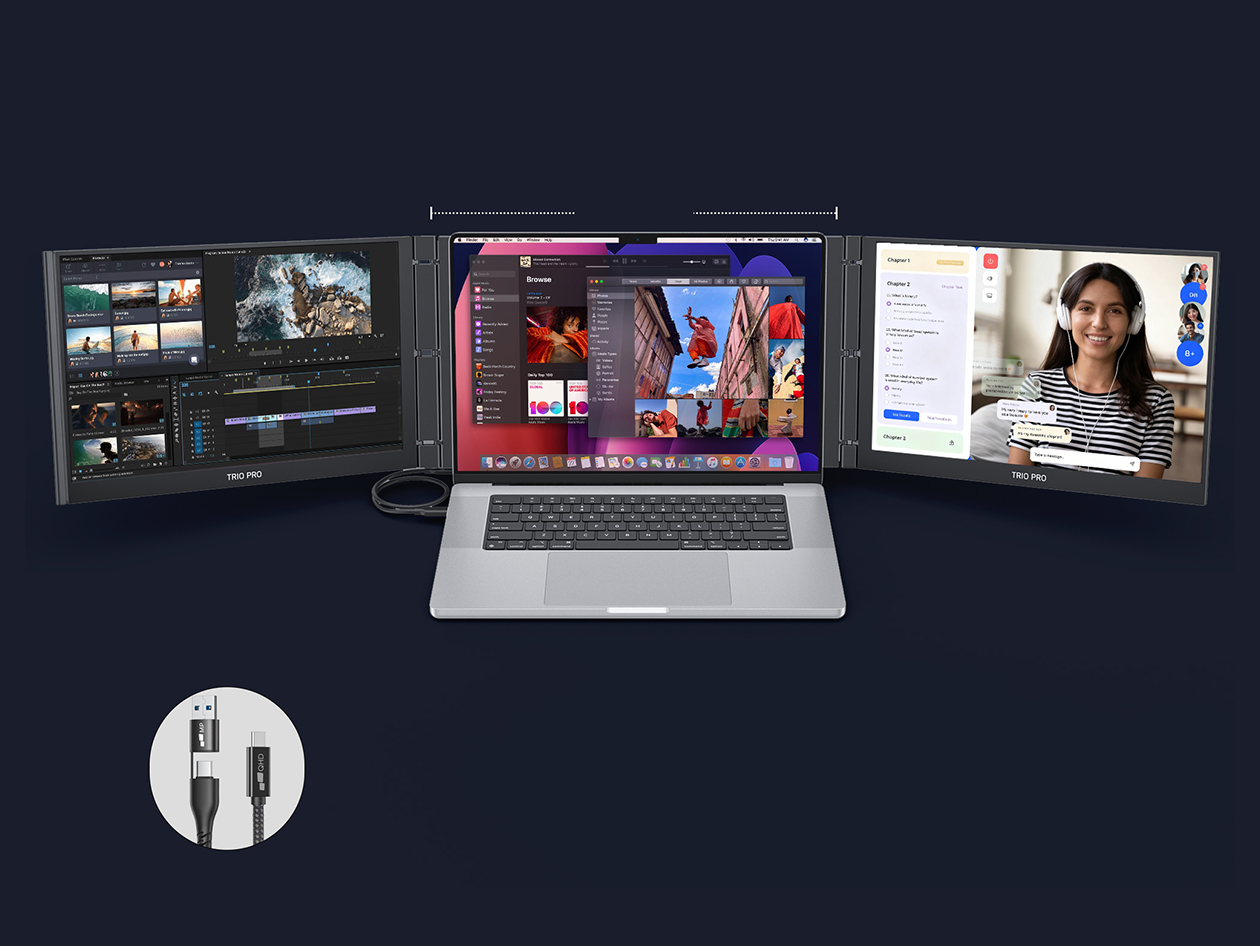
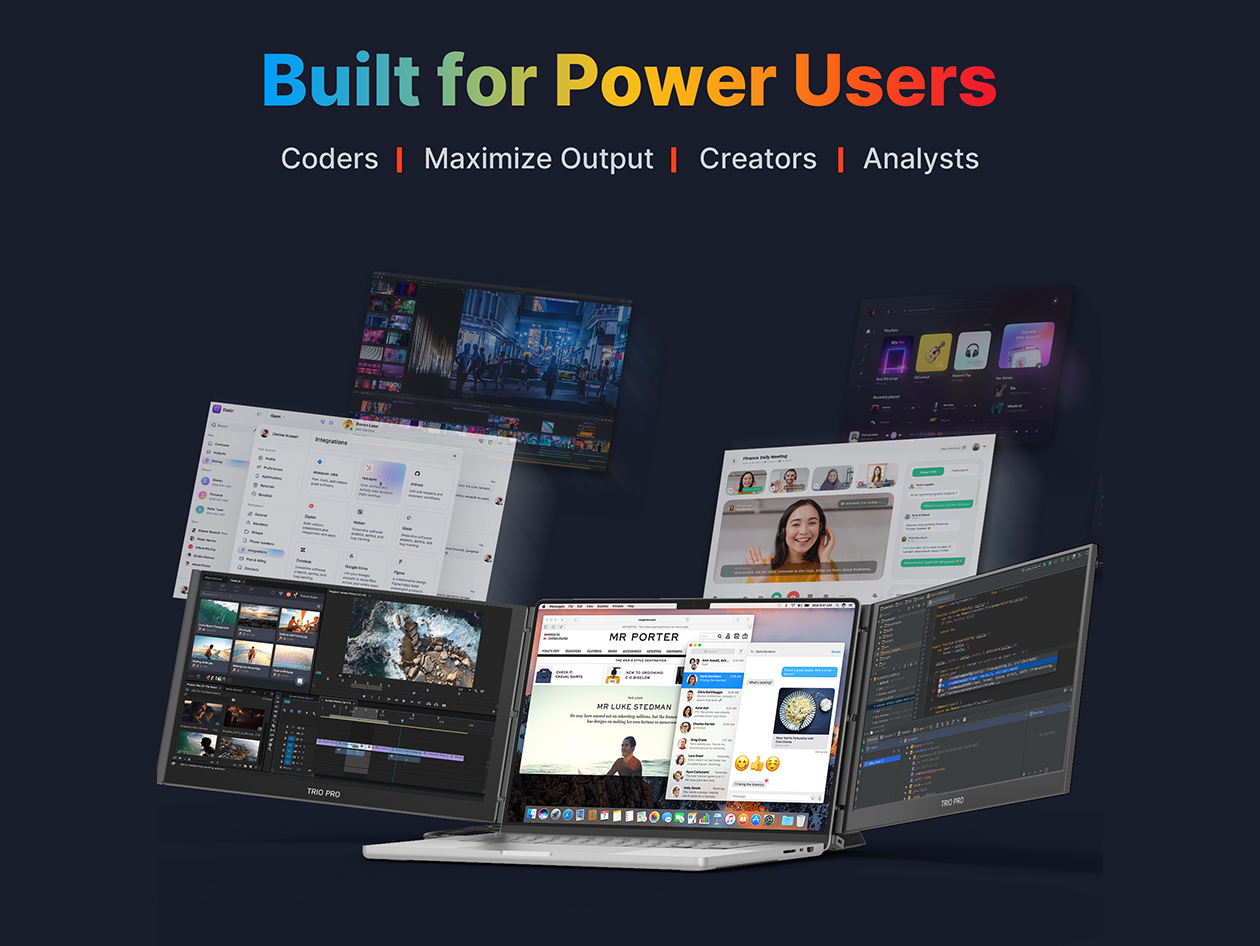
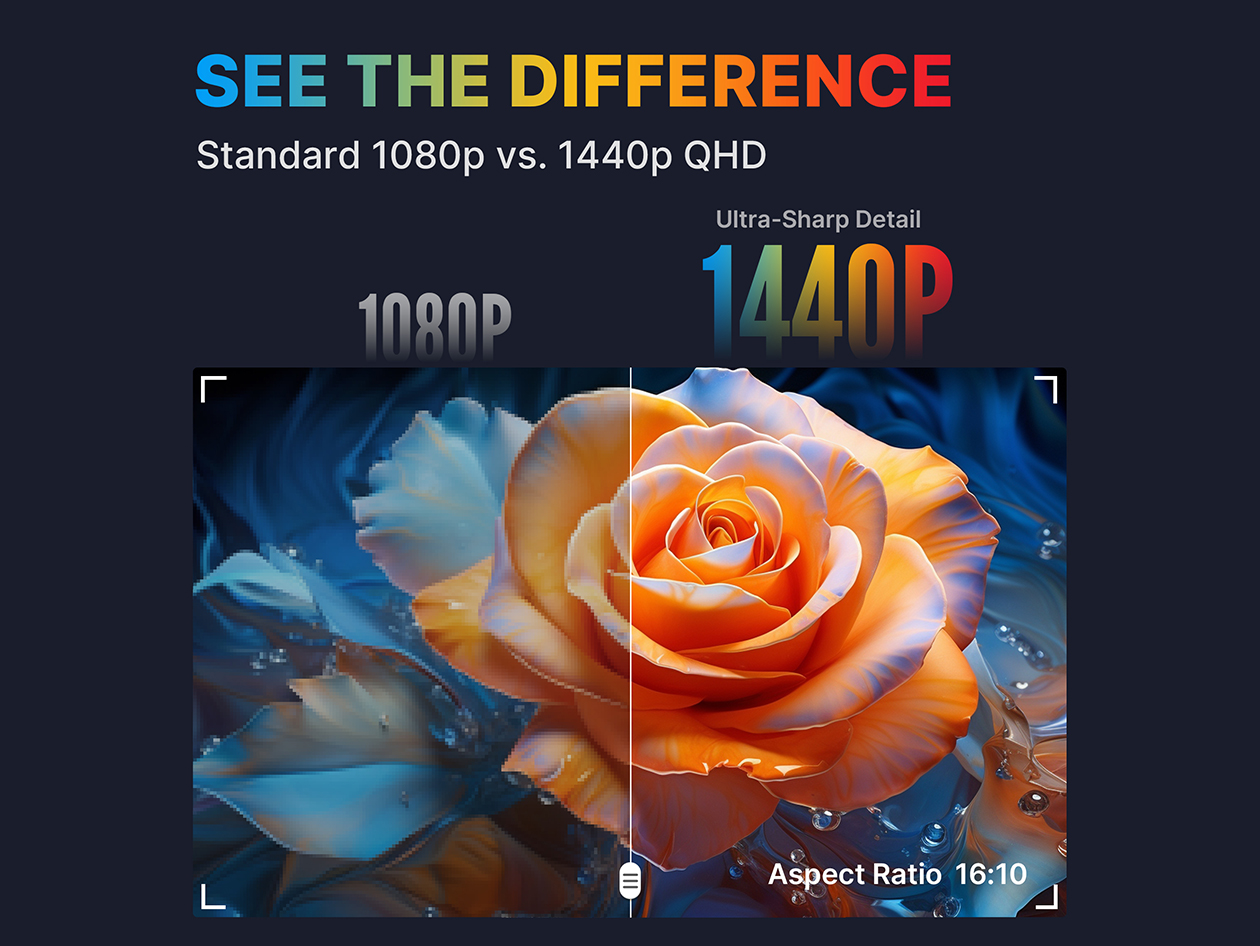
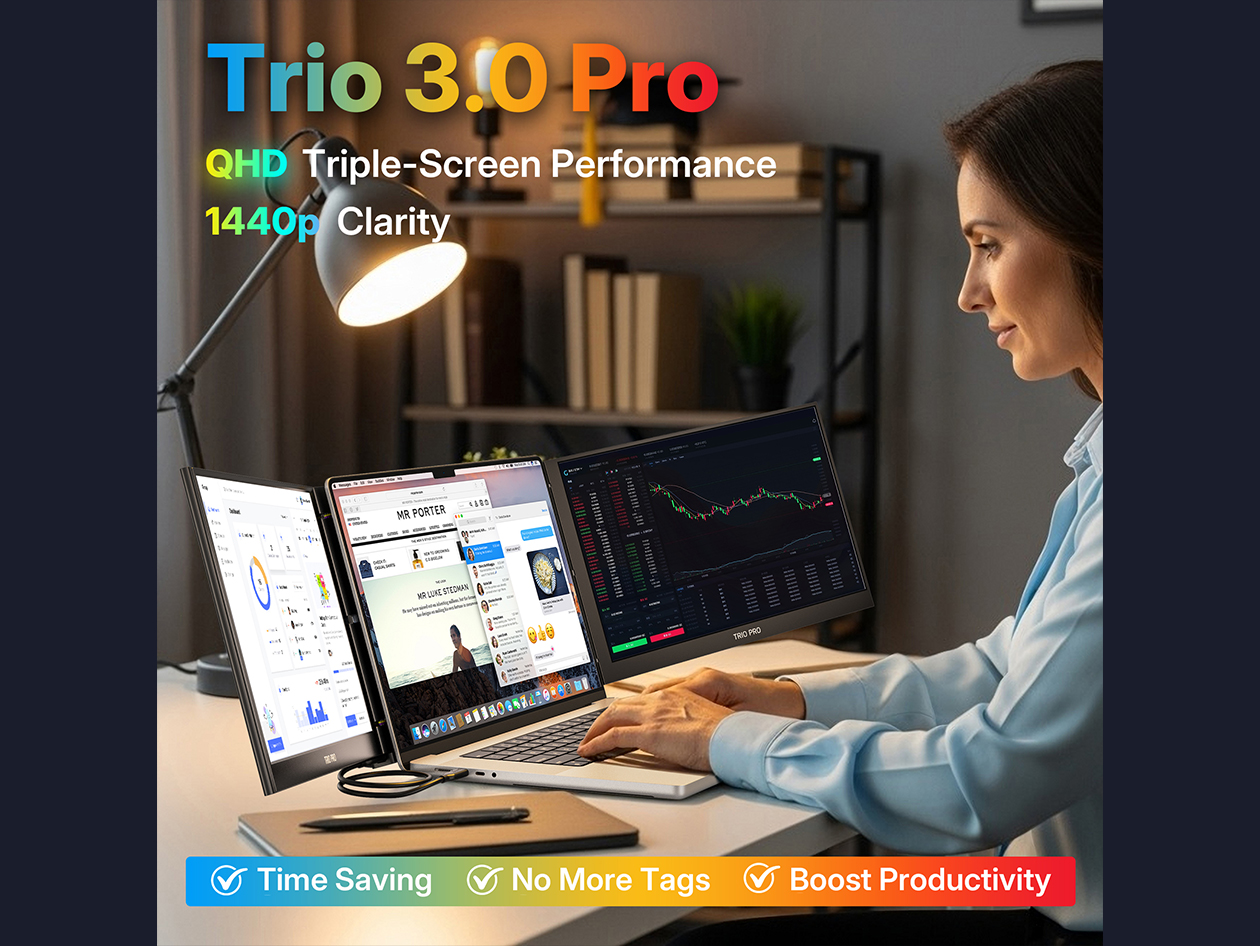
The Trio 3 Pro 14 is a tri-screen expansion for laptops with 15″ to 17.3″ screens, creating a powerful, multi-display workstation. It features two 14.1-inch 1400p QHD displays for exceptional visual clarity and enhanced multitasking, creative work, or professional projects. Its foldable sliding panels and lightweight design ensure easy transport and deployment. With USB-C plug-and-play, pass-through charging, IPS panels, and four viewing modes, the Trio 3 Pro 14 boosts productivity with a refined, minimalist setup, delivering desktop-class functionality without multiple monitors.
Four dynamic viewing modes for every workflow
- Landscape Mode: Standard extended workspace ideal for multitasking, coding, spreadsheets & creative work. Maximizes horizontal screen real estate.
- Collaboration Mode: Panels rotate outward to share your screens with colleagues or clients, perfect for meetings and teamwork.
- Portrait Mode: Vertical display for reading documents, coding, or managing long-form content with minimal scrolling.
- Presentation Mode: Flip panels toward your audience for presentations or demos, providing clear, professional visuals for any room.
Clarity meets comfort for all-day productivity
- Optimal Eye Comfort: Reduces eye strain with anti-glare screens & clear, vibrant visuals for long working sessions.
- Dual 14″ 2K LCD Displays: Expands your workspace with two high-resolution screens for sharper, more detailed visuals.
- Auto-Rotation: Automatically adjusts the display orientation to match Landscape, Portrait, Collaboration, or Presentation modes.
Expand your workspace, maximize productivity instantly
- 3-Screen Productivity: With three screens, multitasking is effortless—write, design, and communicate all at once.
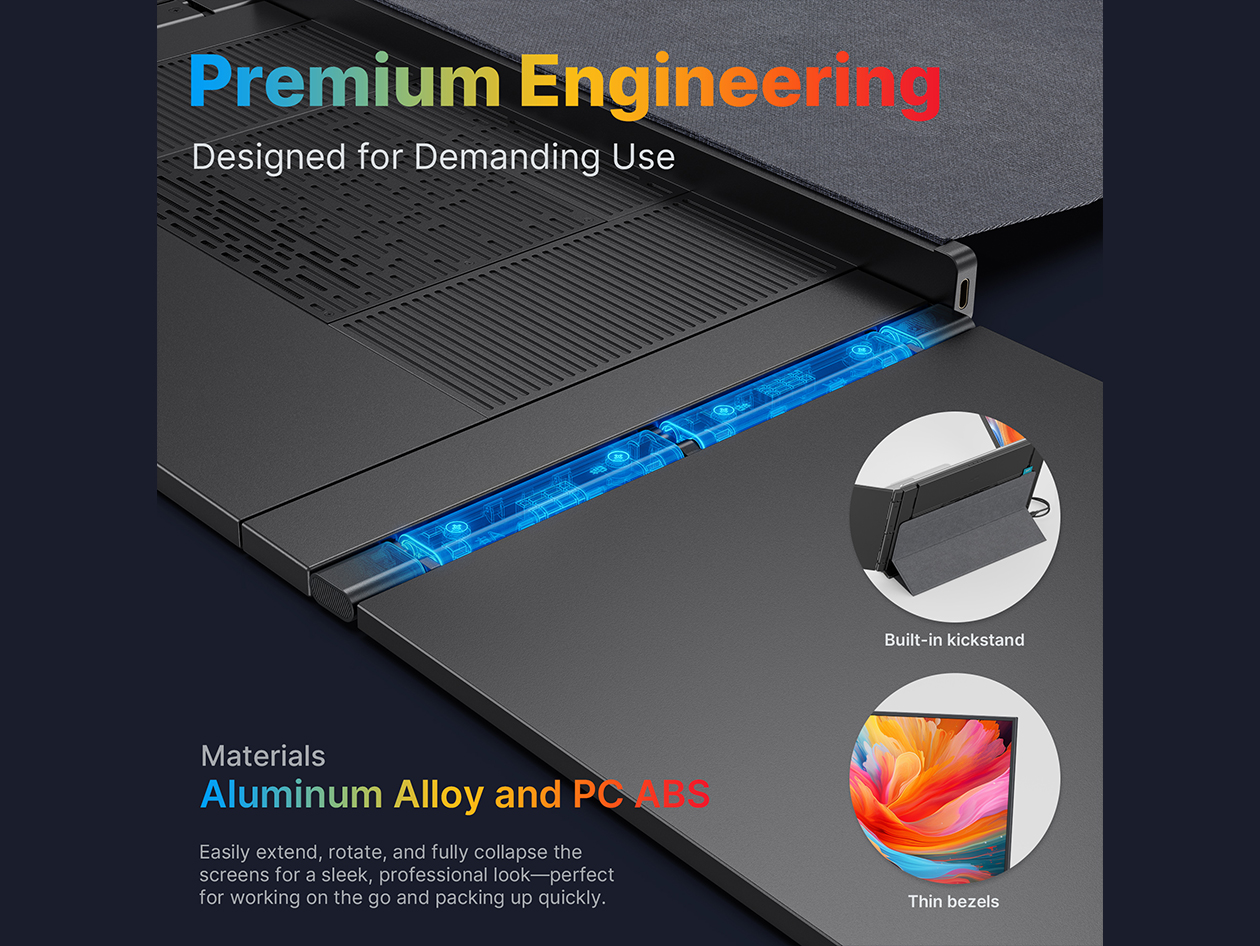
- Integrated Kickstand: Use it independently or attach it magnetically to any laptop size.
- 65W Pass-Through Charging:
- Wide Compatibility: Works with macOS, Windows, Linux, Nintendo Switch, and select Android devices (Samsung DeX) via USB-C or Mini-HDMI.
Instant setup. Effortless start
- Fold open the dual screens.
- Connect it to your laptop.
- Attach or use the built-in kickstand to adjust the displays
PRODUCT SPECS
Specs
- Brand: Mobile Pixels
- Model: Trio 3 Pro 14
- Color: black
- Materials: aluminum alloy
- Dimensions:
- Folded: 13.44″ × 8.83″ × 0.9″
- Unfolded: 40.25″ × 8.83″ × 0.9″
- Weight: 4.13 lbs
- Screen size: 14.1 inches
- Refresh rate: 120Hz with 8ms response time
- Brightness: 300 nits
- Color gamut: 72% NTSC | 100% sRGB
- Resolution: 2240 × 1400 pixels
- Connections:
- 2x USB-C with 65W pass-through charging
- 1x Mini HDMI port
- Manufacturer’s 1-year warranty
Compatibility
-
Compatible with macOS, Windows, Linux, Nintendo Switch, and Samsung DeX
Includes
- 1x Trio 3 Pro 14
- 2x USB-C Cable with USB-A Adapter
- 4x Laptop Magnets
- 1x User Guide
In conclusion, the Trio 3 Pro 14 is not just a tri-screen display; it’s a powerful tool that can significantly transform how professionals approach their tasks. Its versatility across different workflows makes it an essential investment for anyone looking to enhance their productivity and efficiency. Whether you are a designer, educator, developer, or freelancer, the Trio 3 Pro 14 adapts to meet your needs and help you achieve your goals.
In the realm of business, having the Trio 3 Pro 14 can improve collaboration during meetings. When teams work together, they can share screens in Collaboration Mode, allowing everyone to view presentations or reports without crowding around a single laptop. This setup fosters a more inclusive atmosphere for brainstorming and decision-making processes.
Moreover, the Trio 3 Pro 14 encourages a healthier workstation setup. By providing an expansive view, users are less likely to hunch over a single screen, promoting better posture and reducing physical strain associated with long hours of work. This ergonomic advantage enhances comfort and overall productivity.
Freelancers will also find the Trio 3 Pro 14 invaluable. With the ability to manage multiple clients and projects, they can keep financial documents on one screen, client communications on another, and their project management tool on the third. This level of organization can be a game changer for productivity and time management.
Another great use case is for software developers. They can dedicate one screen to their code editor, a second to running tests or debugging, and the third for documentation or forums. This arrangement is crucial for maintaining workflow without losing context, ultimately leading to faster development cycles.
For educators and trainers, the Trio 3 Pro 14 offers a dynamic teaching experience. In Presentation Mode, teachers can display their lesson plans while simultaneously showing relevant videos or resources, allowing for a more engaging and interactive class. This flexibility can significantly enhance the learning environment.
Imagine a graphic designer working on multiple projects simultaneously. With the Trio 3 Pro 14, they can have their design software open on one screen, reference materials on another, and a communication tool like Slack or Zoom on the third. This arrangement minimizes the time spent switching between tabs and maximizes focus and efficiency.
In today’s fast-paced digital world, having a setup that enhances productivity is essential. The Trio 3 Pro 14 not only provides extra screen space but also offers versatile functionality that can be adapted for various professional environments. Let’s explore its applications in detail, showcasing how it can be utilized across different professions.

Amazon Associates Disclosure: As an Amazon Associate I earn from qualifying purchases.