
Technology
The Award-Winning Luminar Neo Lifetime Bundle for $79

Jun
KEY FEATURES
Transform Photos with Film-Inspired Looks
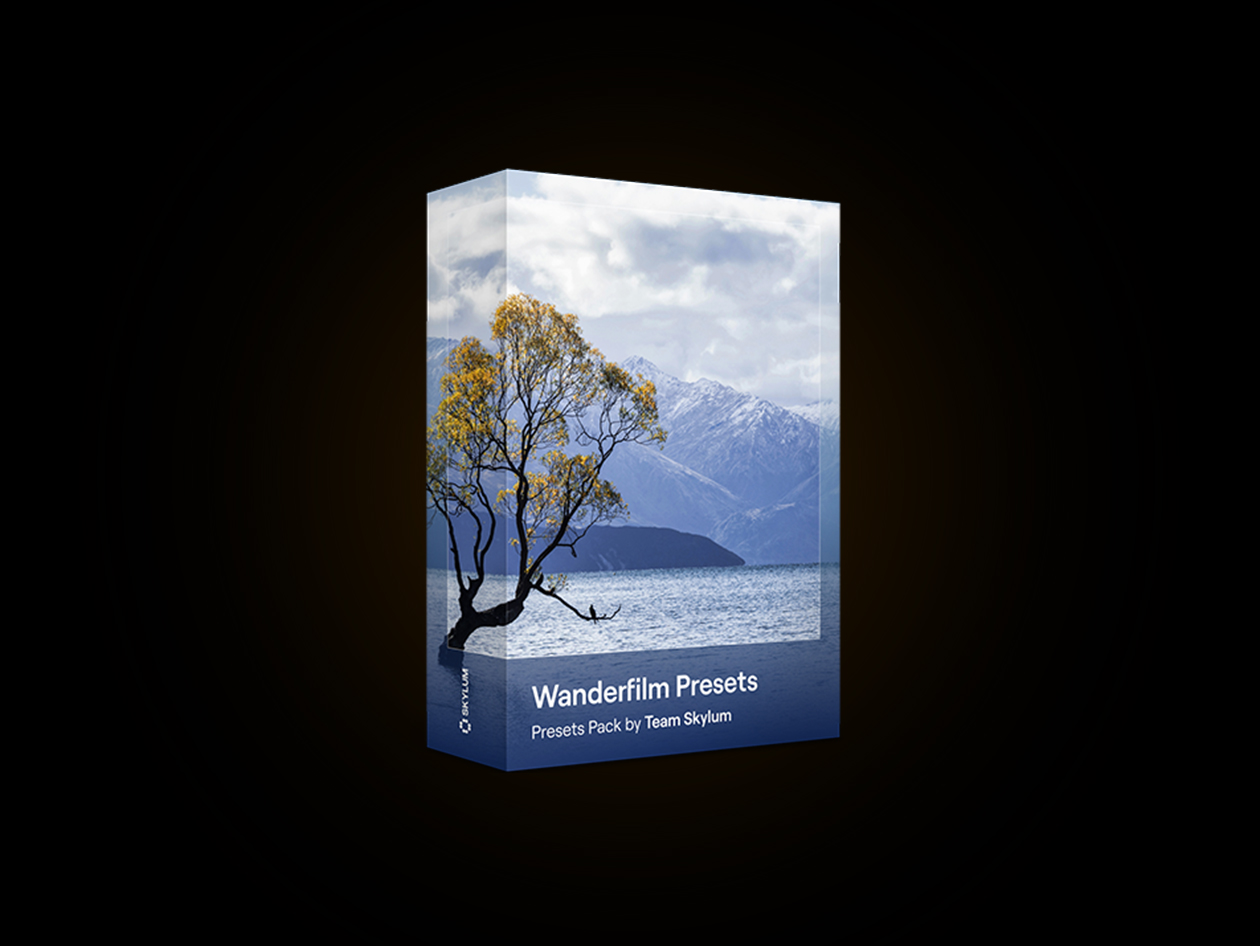
Wanderfilm Presets for Luminar Neo is inspired by modern photographers who shoot on film and appreciate contemporary visual aesthetics. Designed to bring landscapes to life, this preset collection combines soft colors and rich contrasts to create a cinematic and nostalgic appearance across photos. Built for creators who want a cohesive visual approach, these presets help maintain a consistent feel throughout an entire image series while requiring minimal effort. Apply a preset with one click inside Luminar Neo and adjust the intensity to match your preferred creative direction.
Creative Presets for Photo Editing
- 10 Presets Included: Access multiple looks designed for different moods & scenes.
- One-Click Enhancements: Apply adjustments instantly without complicated editing workflows.
- Soft Colors & Rich Contrasts: Add visual depth & character to images.
- Cinematic Appearance: Bring artistic personality to photos with minimal effort.
Designed for Different Photography Styles
- Landscape Photography: Enhance outdoor scenes & emphasize natural elements.
- Sunrise & Sunset Photography: Highlight lighting & mood across environments.
- Natural Texture Enhancement: Add depth while preserving image quality.
- Everyday Cityscapes: Apply artistic looks to urban environments & daily moments.
Made for Creative Flexibility
- Save Editing Time: Create polished results with fewer manual adjustments.
- Consistent Editing Style: Maintain a unified appearance across photo collections.
- Beginner Friendly: Apply presets without advanced editing experience.
- Flexible Adjustments: Fine-tune results based on your preferred preferences.
Included Visual Styles
- Rose Haze: Adds warm pink tones with a soft romantic atmosphere.
- Frosted Contrast: Emphasizes details with cooler dramatic tones.
- Magenta Whisper: Adds subtle magenta shadows for additional depth.
- Cyan Drift: Creates a calm mood while emphasizing textures.
- Sunset Glow: Highlights warm sunlight & natural tones.
- Arctic Shadow: Produces cooler & moodier image effects.
- Blue Horizon: Enhances skies & water details.
- Classic Film: Creates a timeless black-&-white appearance.
- Violet Dawn: Adds character to morning & evening lighting.
- Sharp Mono: Improves texture & detail in monochrome images.
What You Get with Lifetime Access
- One-Time Purchase: No recurring subscription fees.
- Lifetime Access Included: Access your purchased preset pack without renewal requirements.
- Account-Based Access: Purchased items remain accessible through your provided link.
PRODUCT SPECS
System Requirement
- Compatible with Luminar Neo (current version 1.27)
- Requires Luminar Neo installed on Windows 10 v1909 or higher (64-bit)
- macOS 12.0 or higher
- Presets are applied via the Presets tab
Important Details
- License: 1 User
- Access options: Desktop only
- Redemption deadline: Redeem your code within 30 days of purchase
- Length of Access: Lifetime
- Updates included: Items remain accessible via your link
- Available for new & existing users
- Installation Method: Digital add-on installed through Luminar Neo Marketplace
- Restrictions: Designed for use inside Luminar Neo
- Refund Policy: 30-Day Money-Back Guarantee
- Have questions on how digital purchases work? Learn more here
- Learn more about our Lifetime deals here
KEY FEATURES
Bring Classic Film Character to Digital Photography
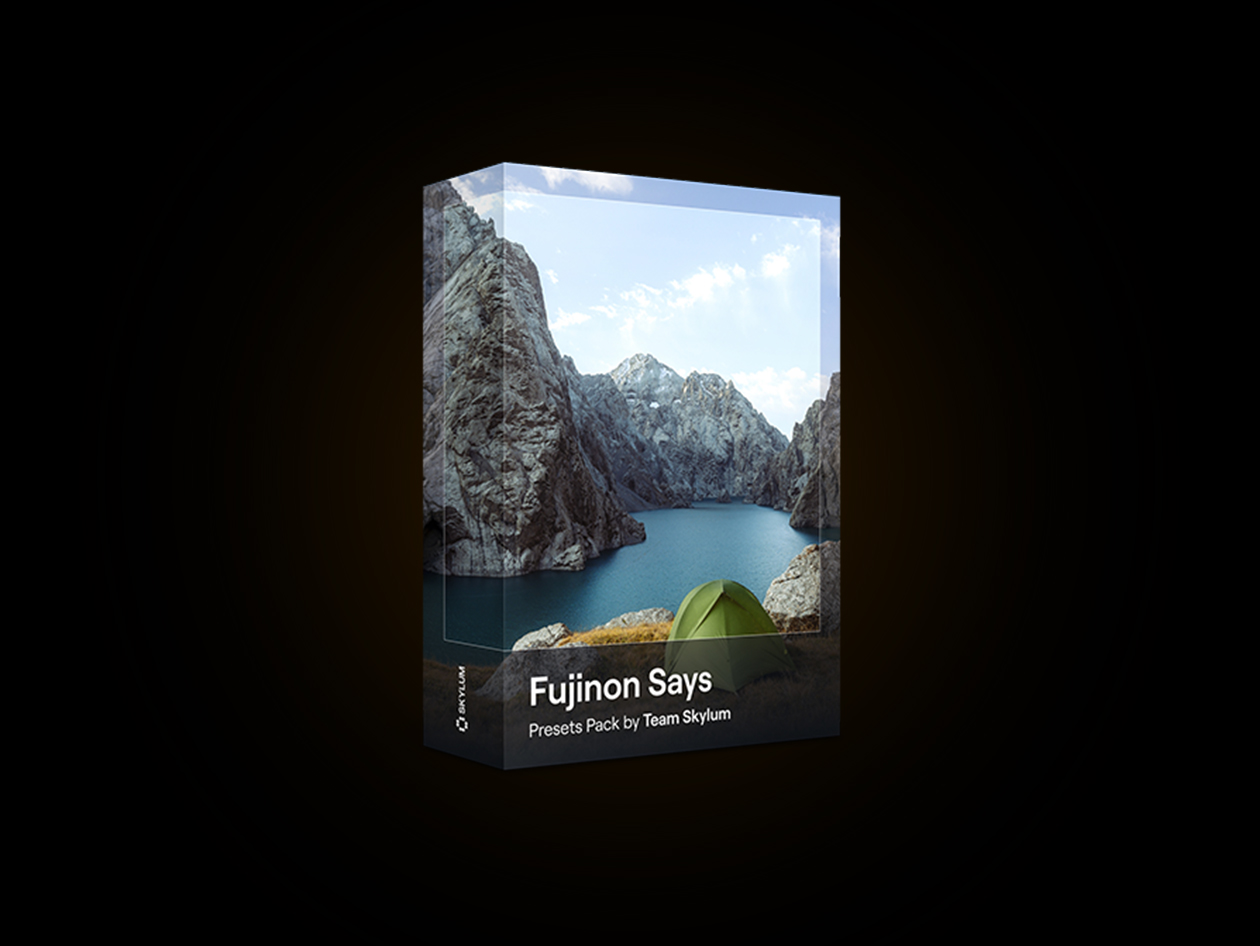
Fujinon Says Presets for Luminar Neo brings the timeless feel of classic Fuji film into digital photography. Inspired by Fuji’s iconic film stock, this preset collection recreates a range of moods from rich saturated tones to softer faded looks while adding a polished appearance to images. Designed for photographers who appreciate nostalgic aesthetics, these presets make it easy to transform photos using one-click adjustments inside Luminar Neo. Whether editing street photography, lifestyle images, portraits, or travel content, Fujinon Says adds film-inspired qualities without requiring complex manual edits.
Film-Inspired Looks for Creative Editing
- One-Click Enhancements: Apply adjustments directly inside Luminar Neo.
- Inspired by Fuji Film Stock: Add timeless tones & visual depth.
- Multiple Mood Variations: Explore looks ranging from rich color profiles to softer faded styles.
- Refined Image Appearance: Add a polished finish to your photos..
Designed for Different Photography Styles
- Street Photography: Enhance everyday scenes with distinctive visual tones.
- Lifestyle Photography: Create memorable & expressive edits.
- Portrait Photography: Add atmosphere & refined color balance.
- Travel Photography: Bring added character to captured moments.
What You Get with Lifetime Access
- One-Time Purchase: No recurring subscription fees.
- Lifetime Access Included: Access your purchased preset pack without subscription renewals.
- Account Access: Purchased items remain accessible through your provided link.
PRODUCT SPECS
System Requirement
- Compatible with Luminar Neo (current version 1.27)
- Requires Luminar Neo installed on Windows 10 v1909 or higher (64-bit)
- macOS 12.0 or higher
- Presets are applied via the Presets tab
Important Details
- License: 1 User
- Length of Access: Lifetime
- Redemption deadline: Redeem your code within 30 days of purchase
- Access options: Desktop only
- Updates included: Items remain accessible via your link
- Available for new & existing users
- Restrictions: Designed for use inside Luminar Neo
- Refund Policy: 30-Day Money-Back Guarantee
- Have questions on how digital purchases work? Learn more here
- Learn more about our Lifetime deals here!
KEY FEATURES
Create Soft, Dreamlike Scenes with Gentle Sky Replacements
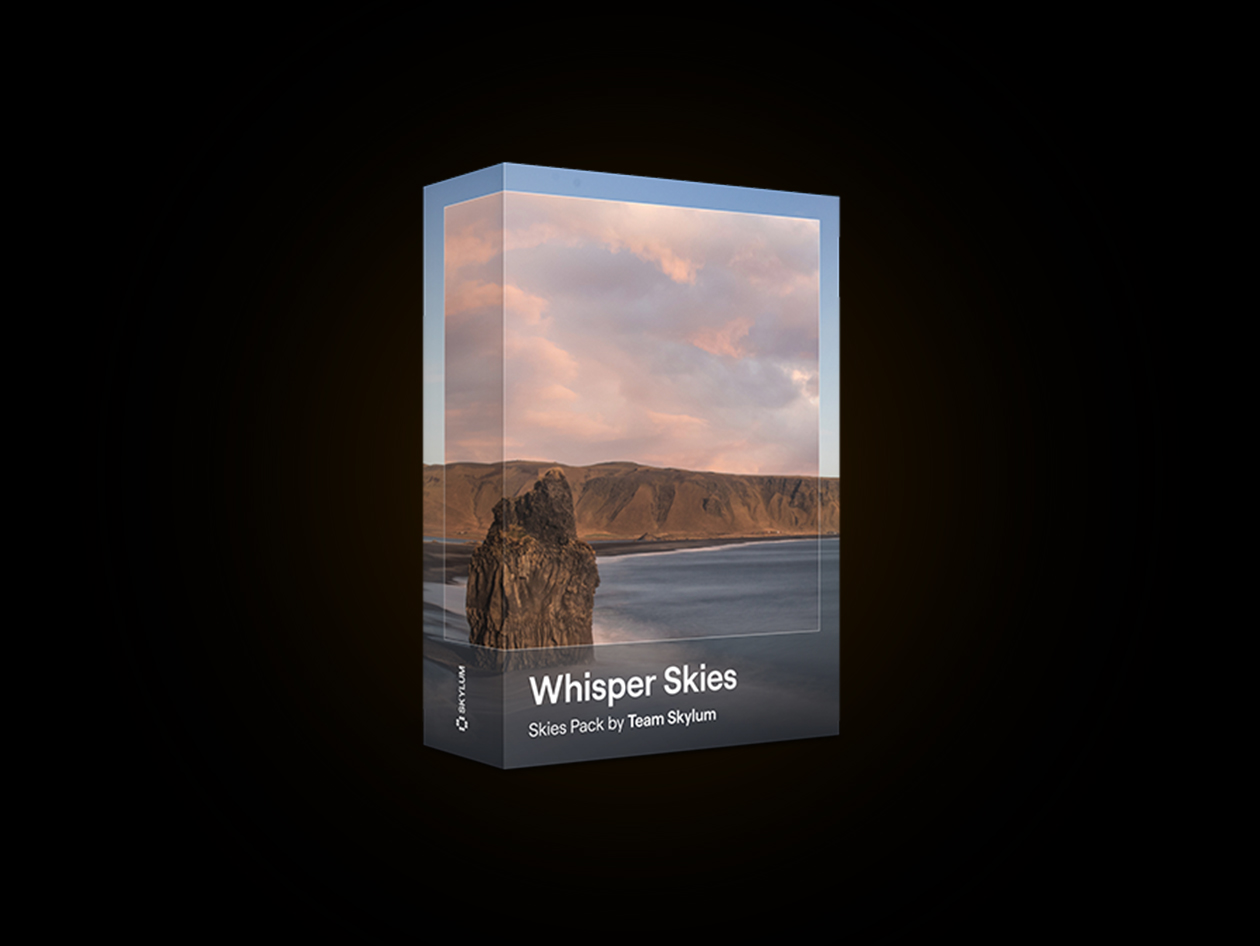
The Whisper Skies Pack is a sky collection designed for use with Luminar Neo, bringing a soft and poetic mood to your images. Featuring pastel-toned skies, it helps create subtle visual atmospheres suitable for portraits, landscapes, and fine art photography. Designed to work with the SkyAI tool in Luminar Neo, the pack allows users to replace skies with a few simple clicks. Whether adding a painterly look or enhancing the mood of a scene, Whisper Skies offers an easy way to introduce gentle visual elements into your editing workflow.
Soft Creative Atmospheres
- Pastel Sky Collection: Add gentle pastel tones to your images.
- Painterly Visual Style: Create a soft artistic appearance in photos.
- Subtle Mood Enhancement: Introduce a quiet & atmospheric look.
- Creative Editing Support: Suitable for portrait, landscape & artistic projects.
One-Click Sky Replacement
- SkyAI Integration: Works directly with Luminar Neo SkyAI tools.
- Fast Sky Selection: Replace skies with a few simple steps.
- Marketplace Installation: Install directly through the Luminar Neo Marketplace.
- Flexible Import Options: Upload skies manually through Luminar Neo if preferred.
What You Will Get
- Whisper Skies Pack: Sky collection for Luminar Neo
- Pastel Sky Assets: Soft skies designed for creative edits
- Luminar Neo Integration: Compatible with SkyAI functionality
- Installation Access: Multiple installation methods available
PRODUCT SPECS
System Requirements
- Adobe Photoshop
- Affinity Photo
- Evoto
- ON1
- Compatible with Luminar Neo (current version 1.27)
- Requires Luminar Neo installed on Windows 10 v1909 or higher (64-bit)
- macOS 12.0 or higher
- Presets are applied via the Presets tab.
Important Details
- License: 1 User
- Access options: Desktop only
- Redemption deadline: Redeem your code within 30 days of purchase
- Length of Access: Lifetime
- Updates included: Items remain accessible via your link
- Available for new & existing users
- Installation Method: Digital add-on installed through Luminar Neo Marketplace
- Restrictions: Designed for use inside Luminar Neo
- Refund Policy: 30-Day Money-Back Guarantee
- Have questions on how digital purchases work? Learn more here
- Learn more about our Lifetime deals here
KEY FEATURES
Transform Photos with Calm, Atmospheric Blue Tones
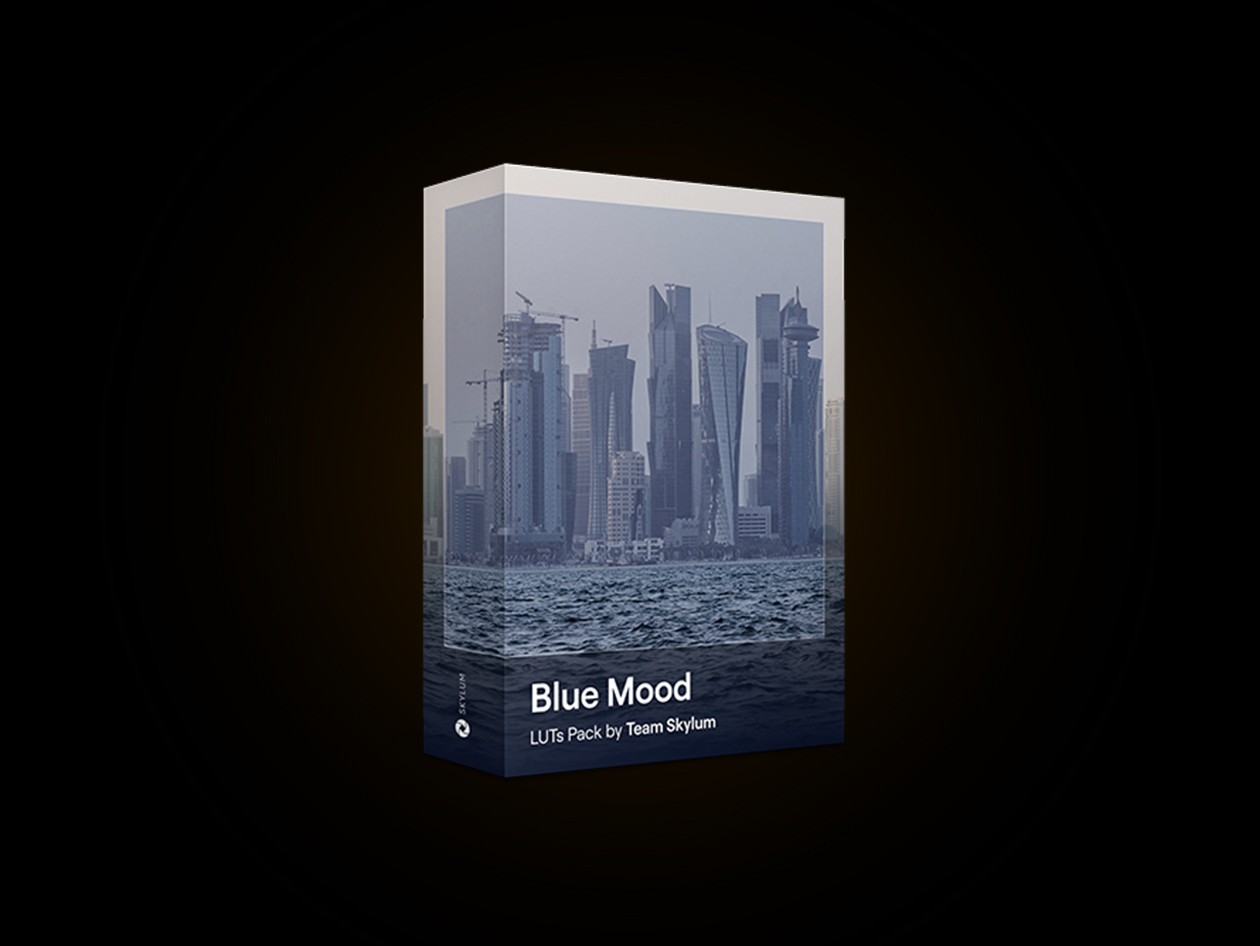
Blue Mood LUTs is a LUT collection designed for Luminar Neo that helps add soft blue color grading and atmospheric effects to your images. Inspired by the feeling of dusk skies and deep ocean tones, this pack creates a tranquil and artistic visual style for different photography projects. Applied through the Mood tool in Luminar Neo, the LUTs can be added with a few simple clicks and adjusted to fit your preferred editing style. Whether enhancing landscapes or city scenes, the collection provides flexible color adjustments while maintaining a clean editing workflow.
Creative Looks For Different Editing Styles
- Blue Tone Collection: Apply a range of blue-inspired color effects.
- Atmospheric Mood Enhancement: Add calm & dreamy visual tones.
- Creative Scene Styling: Suitable for landscapes & cityscape photography.
- Flexible Adjustments: Fine-tune results to match your editing preferences.
One-Click Editing Workflow
- Mood Tool Integration: Apply LUTs directly inside Luminar Neo.
- Simple LUT Selection: Access purchased LUTs through the Mood tool.
- Strength Controls: Adjust saturation & effect intensity.
- Marketplace Installation: Install directly from Luminar Neo Marketplace.
Editing Workflow Support
- Built For Luminar Neo: Designed specifically for use within Luminar Neo.
- Digital Add-On Format: Installs as additional editing content.
- Current Version Support: Compatible with Luminar Neo version 1.27.
- Long-Term Access: Purchased items remain available through your link.
What You Will Get
- Blue Mood LUT Pack: Collection of blue-themed LUT effects
- Luminar Neo Integration: Compatible with the Mood editing tool
- Creative Color Presets: Designed for atmospheric image enhancement
- Installation Access: Multiple installation methods available
PRODUCT SPECS
System Requirements
- Compatible with Luminar Neo (current version 1.27)
- Requires Luminar Neo installed on Windows 10 v1909 or higher (64-bit)
- macOS 12.0 or higher
- Presets are applied via the Presets tab
Important Details
- License: 1 User
- Access options: Desktop only
- Redemption deadline: Redeem your code within 30 days of purchase
- Length of Access: Lifetime
- Updates included: Items remain accessible via your link
- Available for new & existing users
- Installation Method: Digital add-on installed through Luminar Neo Marketplace
- Restrictions: Designed for use inside Luminar Neo
- Refund Policy: 30-Day Money-Back Guarantee
- Have questions on how digital purchases work? Learn more here
- Learn more about our Lifetime deals here
KEY FEATURES
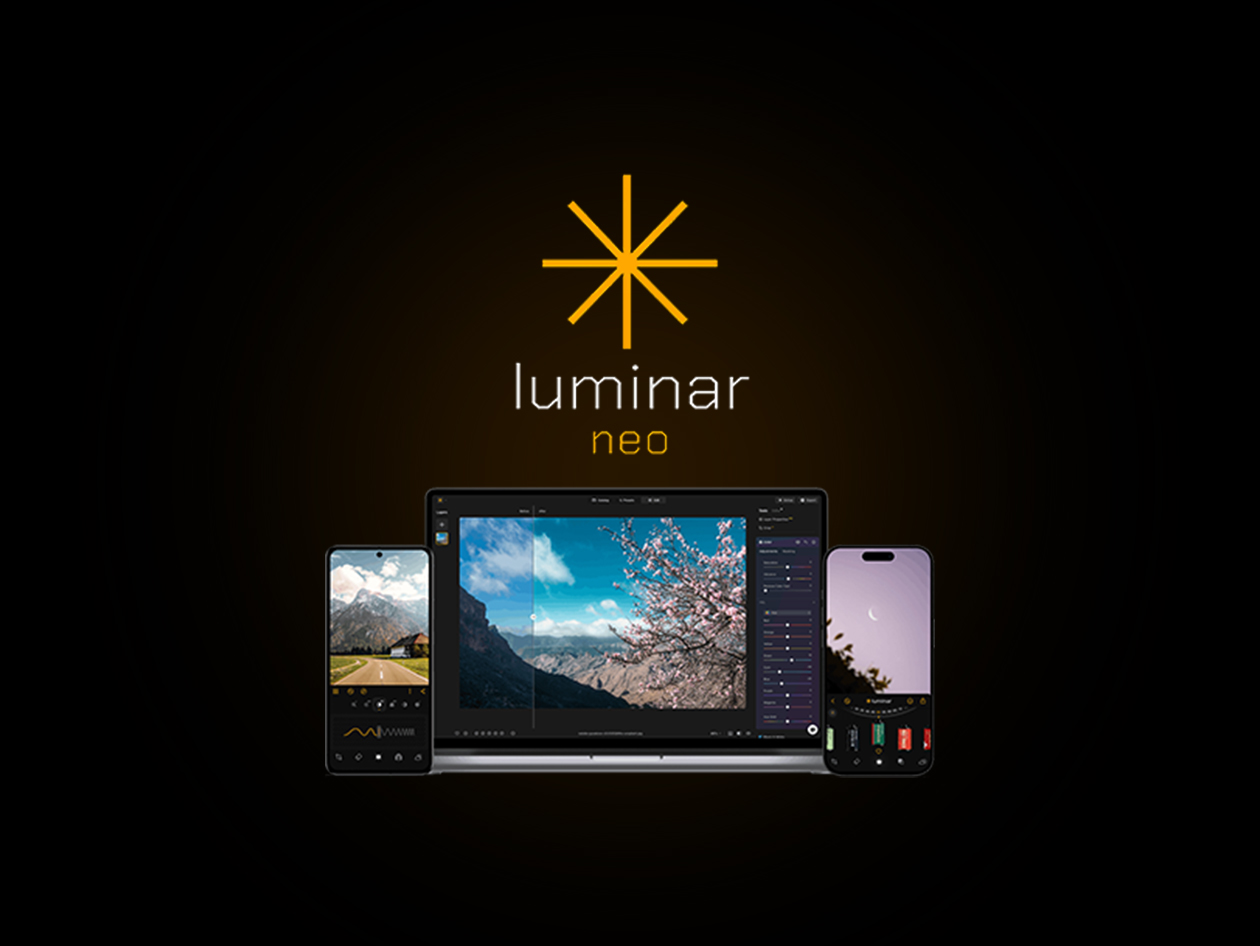
Luminar Neo is an easy-to-use photo editing software that empowers photography lovers to express the beauty they imagined using innovative AI-driven tools.
Luminar Neo was built from the ground up to be different from previous Luminar editors. It keeps your favorite LuminarAI tools and expands your arsenal with more state-of-the-art technologies and important changes at its core. Meanwhile, the recognizable Luminar design is retained, making Neo simple to use and fun to explore.
- Easy to use. Accessible to everyone thanks to an intuitive & user-friendly interface
- AI-powered. Replace skies, enhance landscapes & portraits, all with AI-powered tools
- Powerful editing tools. Enjoy a wide range of tools including layers, masking, & local adjustments
- Wide compatibility. Use it on Windows, macOS, or as a plugin for Photoshop & Lightroom
- Multiform presets. Achieve quick pro-level results, & a consistent look across your photos
- Continuous improvement. Receive regular release of updates & new features
Full Version Features
- Enhanceᴬᴵ. Get naturally beautiful results with one simple slider
- Skyᴬᴵ. Replace the sky — instantly
- Relightᴬᴵ. Control every aspect of light in the photo
- Erase. Remove any unwanted object without complications
- Skinᴬᴵ. Automatically enhance & retouch a person’s skin
- Compositonᴬᴵ. Automatically adjust the composition, crop & perspective of the photo
- Supercontrast. Precisely adjust tonal contrast
- Structureᴬᴵ. Adjust the detail & clarity of an image
- And so much more!
Luminar Neo AI Assistant
Luminar Neo AI Assistant is a tool in Luminar Neo that helps users edit photos using text commands. It analyzes the image content, including objects, composition, and colors, and then suggests the most suitable editing options.
New Extensions
- Panorama Stitching. Stitch multiple photos or videos together & create stunning panoramas
- Magic Lightᴬᴵ. Manipulate light sources with AI
- Supersharpᴬᴵ. Stabilize your composition
- Focus Stacking. Keep everything in focus
- Upscaleᴬᴵ. Do pixel-perfect upscaling
- Background removalᴬᴵ. Select, click, remove
- Noiselessᴬᴵ. Remove noise from photos & keep all the details intact
- HDR Merge. Unlock unprecedented detail & expanded dynamic range from a single photo
Want something more beginner-friendly? Try Luminar Neo Lite HERE!

Awards & Reviews
- Red Dot Winner 2022 for Interface Design
- TIPA World Awards
-
4.8/5 rating on Trustpilot: ★ ★ ★ ★ ★
-
4.5/5 rating on Shotkit: ★ ★ ★ ★ ★
-
4.0/5 rating on PCMag: ★ ★ ★ ★ ★
-
4.0/5 rating on TechRadar: ★ ★ ★ ★ ★
NOTE: Servers are blocked in Russia and Belarus.
PRODUCT SPECS
System Requirements
Microsoft® Windows®:
- Hardware: Windows PC with a mouse or similar input device
- Processor: Intel® Core™ i5 or better, AMD Ryzen™ 5 or better
- OS version: Windows 10 version 1909 or higher (only 64-bit OS)
- RAM: 8GB or more (16+ GB recommended)
- Disk space: 10 GB free space (SSD for best performance)
- Display: 1280×768 or higher resolution
- Graphics: Compatible with OpenGL 3.3 or later
Apple® macOS®:
- Mac model: Early 2010 or newer MacBook, MacBook Air, MacBook Pro, iMac, iMac Pro, Mac Pro, or Mac Mini
- Processor: Intel® Core™ i5 or better, Apple M1/M2 chip
- OS version: macOS 10.14.6 or higher
- RAM: 8GB (16+ GB recommended)
- Disk space: 10 GB free space (SSD for best performance)
- Display: 1280×768 or higher resolution
Important Details
- Length of access: lifetime
- 1-seat license which means this is valid for 1 computer only
- Redemption deadline: redeem your code within 30 days of purchase
- Access Options: Desktop
- Max number of device(s): 1
- Version: The most up-to-date version
- Have questions on how digital purchases work? Learn more here
- Learn more about our Lifetime deals here!
KEY FEATURES
Transform Ordinary Photos with Dramatic Skies & Light
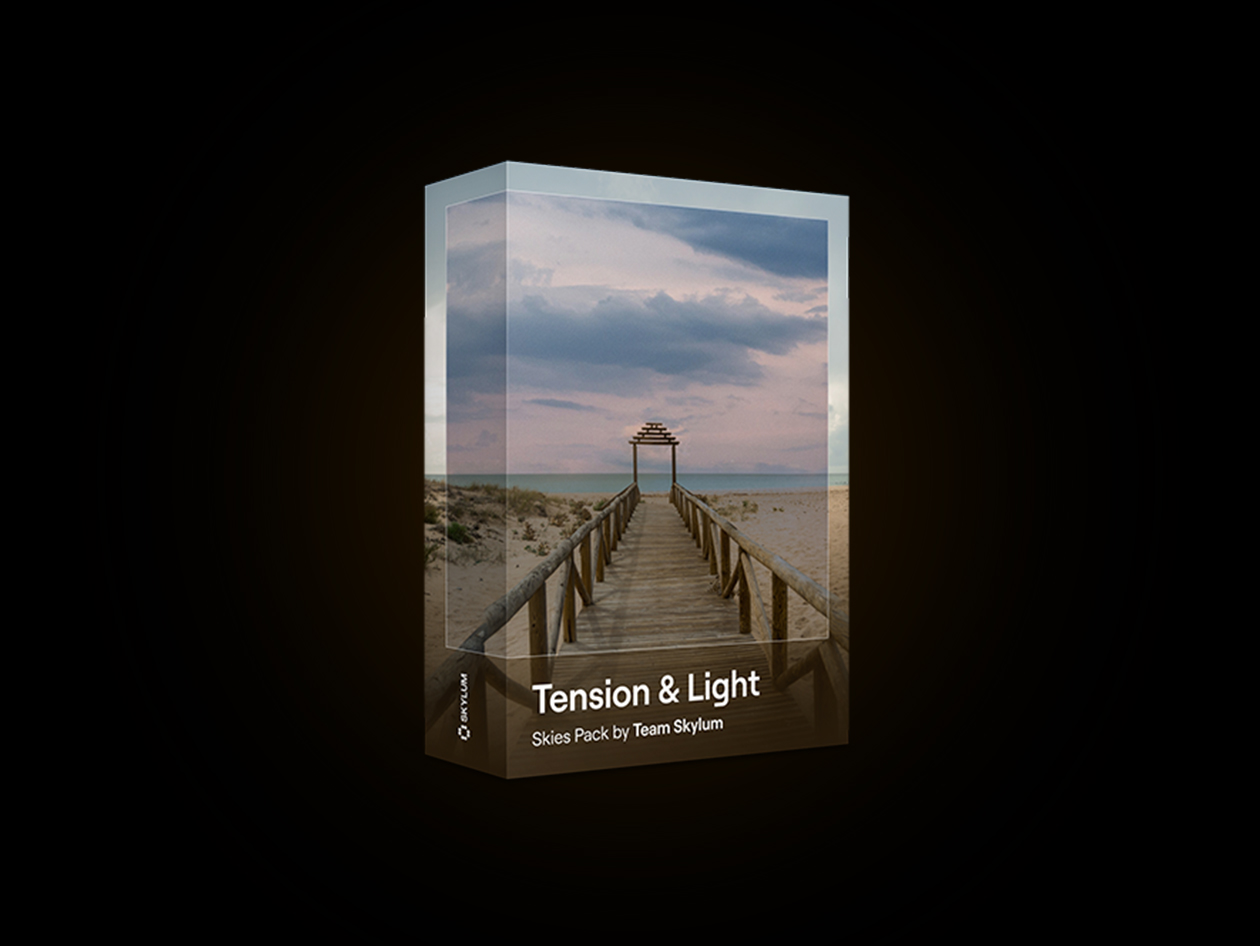
Bring cinematic intensity and dramatic atmosphere to your edits with the Tension & Light Skies pack from Skylum. This collection includes 10 high-quality JPEG skies filled with turbulent clouds, rich textures, and deep gradients designed to transform ordinary photos into striking visual stories. Whether you’re enhancing landscapes, cityscapes, or surreal composites, these skies add depth, mood, and emotional impact with just a few clicks. Created by Team Skylum for seamless use with SkyAI-powered workflows, the pack helps photographers achieve bold, professional-looking results without complex editing. Compatible with Luminar Neo, Luminar AI, Luminar 4, and Photoshop, Tension & Light is an essential creative asset for anyone looking to elevate the atmosphere and drama of their images.
Powerful Skies for Dramatic Transformations
- 10 High-Quality JPEG Sky Replacements: Professionally captured skies designed to enhance a wide variety of photos.
- Dramatic Cloud Formations: Add tension, depth, and visual impact with bold, atmospheric cloudscapes.
- Rich Lighting and Mood Effects: Instantly create cinematic, emotional, and story-driven imagery.
- Seamless SkyAI Compatibility: Works effortlessly with Luminar Neo’s AI-powered sky replacement tools.
- Versatile Creative Applications: Perfect for landscapes, cityscapes, travel photos, and artistic composites.
What You’ll Learn
- How to replace dull skies with dramatic, high-impact alternatives.
- Techniques for creating mood and atmosphere in your photos.
- How to enhance landscapes with realistic sky replacements.
- Ways to use light and cloud textures to add depth.
- Best practices for achieving seamless, natural-looking results.
- Creative methods for transforming ordinary images into cinematic scenes.
PRODUCT SPECS
System Requirements
- Requires Luminar Neo installed on Windows 10 v1909 or higher (64-bit)
- macOS 12.0 or higher
- Skies are used inside Luminar Neo via the SkyAI tool
- Files are also compatible with Adobe Photoshop, Affinity Photo, Evoto, and ON1
- Compatible with Luminar Neo (current version 1.27)
Important Details
- Length of access: Lifetime
- Access options: Desktop
- Redemption deadline: Redeem your code within 30 days of purchase
- Available for new & existing users
- Updates included
- Items remain accessible via your link
- Restrictions: Designed for use inside Luminar Neo
- Refund Policy: 30-Day Money-Back Guarantee
- Have questions on how digital purchases work? Learn more here
- Learn more about our Lifetime deals here!
KEY FEATURES
Bring Timeless Elegance to Every Nature Photography Project
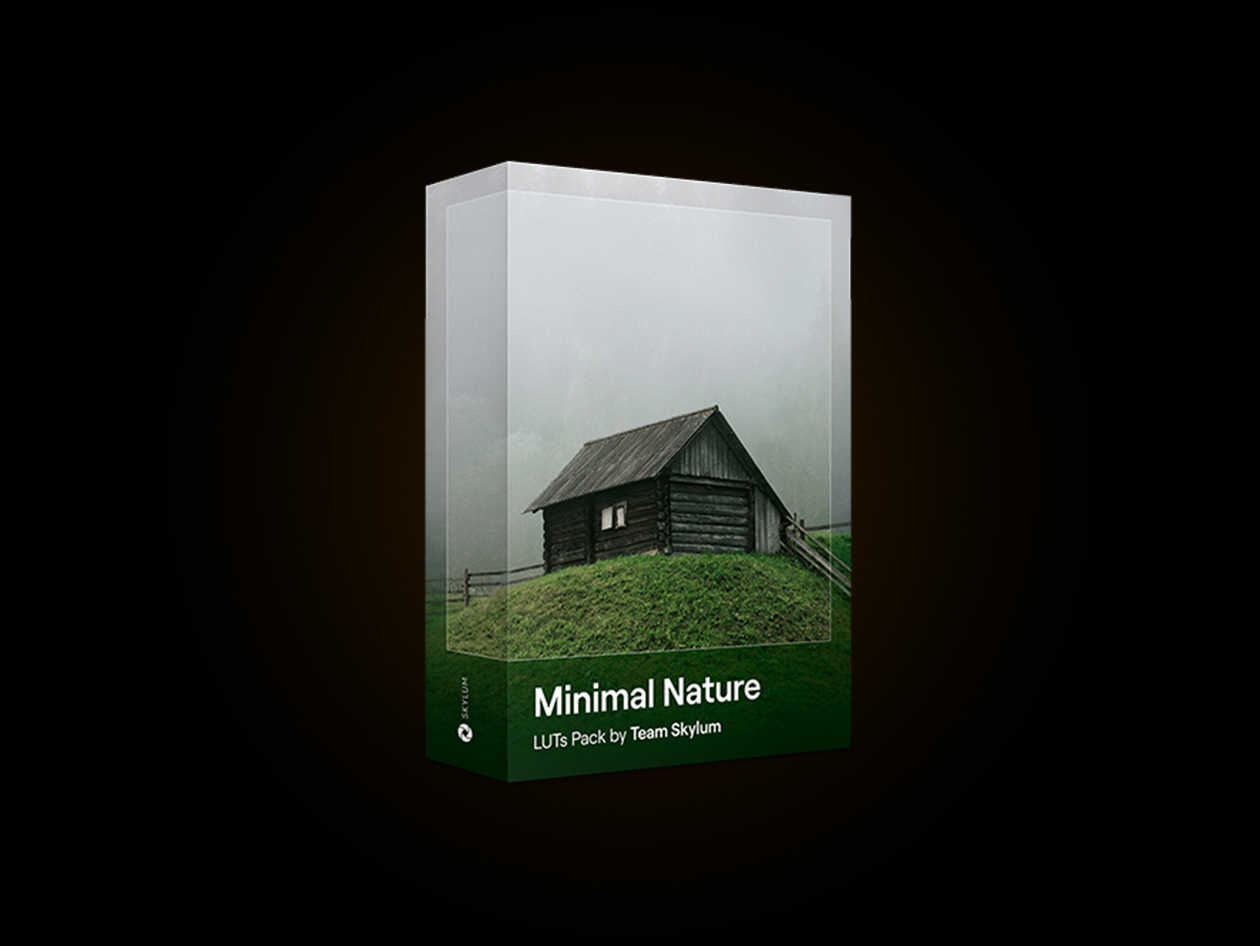
Minimal Nature is a thoughtfully crafted collection of 10 color-grading LUTs designed to enhance landscapes with soft pastel tones and a clean, minimalist aesthetic. Perfect for photographers, videographers, and content creators, these LUTs bring out the quiet beauty of nature by softening colors, reducing visual clutter, and creating a refined, airy atmosphere. From open meadows and mountain views to peaceful coastlines, each LUT helps transform ordinary scenes into elegant, calming visuals with a timeless feel. The pack is compatible with popular editing software including Luminar Neo, Premiere Pro, DaVinci Resolve, After Effects, Affinity Photo, and more, making it easy to integrate into any creative workflow. Whether you’re aiming for a professional cinematic look or a subtle enhancement for personal projects, Minimal Nature delivers consistent, natural-looking results with just a few clicks. These LUTs are ideal for anyone seeking to create serene, polished imagery that captures the tranquility and simplicity of the natural world.
Calm Cinematic Looks for Outdoors
- Minimalist Color Grading LUTs Collection: A curated set of LUTs designed to create soft, clean, and natural-looking visual tones.
- Pastel & Muted Nature Enhancements: Reduces harsh colors while enhancing gentle greens, blues & earthy hues for a calm aesthetic.
- Cinematic Yet Natural Look: Adds a subtle film-like feel while preserving realistic landscape details and textures.
- One-Click Application Workflow: Easily apply professional-grade color grading with minimal editing effort required.
- Wide Software Compatibility: Works seamlessly with major editing tools like Premiere Pro, DaVinci Resolve, After Effects & more.
What You’ll Learn
- How to apply LUTs for quick and professional landscape color grading.
- How to achieve soft, minimalist tones in nature photography.
- How to enhance greens, blues, and earth tones without oversaturation.
- How to create cinematic yet natural-looking outdoor visuals.
- How to maintain detail and depth while simplifying color palettes.
- How to build a consistent visual style across nature photo collections.
PRODUCT SPECS
System Requirements
- Requires Luminar Neo installed on Windows 10 v1909 or higher (64-bit) or macOS 12.0 or higher.
- LUTs are applied via the Mood tool.
- Compatible with Luminar Neo (current version 1.27)
Important Details
- Length of access: Lifetime
- Access options: Desktop
- Redemption deadline: Redeem your code within 30 days of purchase
- Available for new & existing users
- Updates included
- Items remain accessible via your link
- Restrictions: Designed for use inside Luminar Neo
- Refund Policy: 30-Day Money-Back Guarantee
- Have questions on how digital purchases work? Learn more here
- Learn more about our Lifetime deals here!
KEY FEATURES
Learn to Create Warm, Cinematic Sunset-Inspired Images
Simple Techniques, Stunning Sunset Results
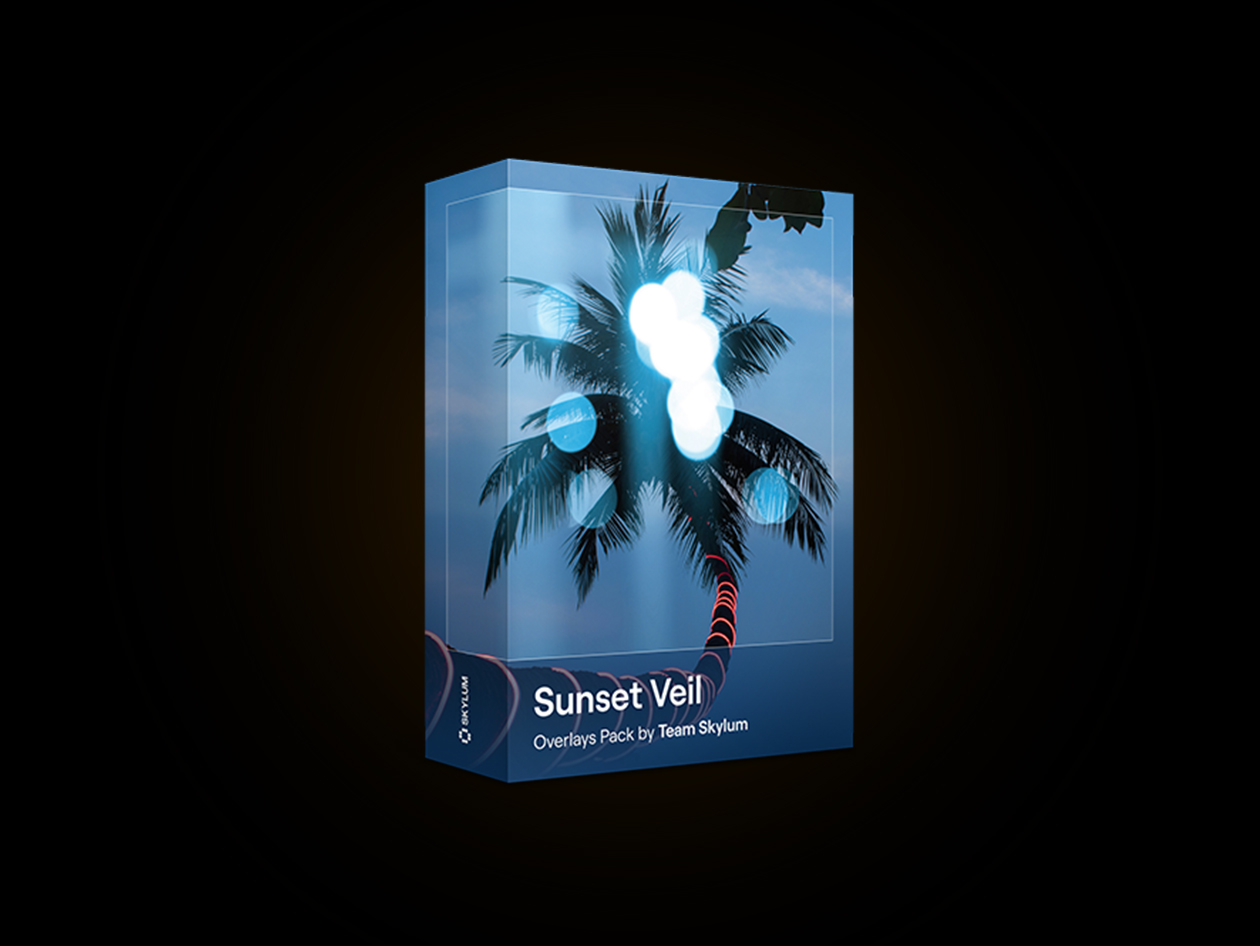
- 10 Premium Sunset Overlays: Includes a curated collection of 10 high-resolution JPEG overlays featuring warm sunset glows, light leaks, lens flares, and atmospheric effects.
- Authentic Golden Hour Lighting: Instantly recreate the soft, warm, and dreamy look of golden-hour photography without waiting for perfect natural light.
- Versatile Creative Effects: Enhances portraits, travel photos, landscapes, beach scenes, and lifestyle imagery with cinematic warmth and depth.
- Easy Drag-and-Drop Workflow: Quickly apply overlays and customize opacity, blending modes, and placement for seamless integration into your photos.
- Broad Software Compatibility: Works with Luminar Neo, Luminar AI, Luminar 4, Photoshop, and other photo editing software that supports layers and overlays.
What You’ll Learn
- Apply sunset overlays with confidence
- Create realistic golden hour effects
- Enhance warmth, mood, and atmosphere
- Blend light leaks and lens flares naturally
- Add cinematic depth to your photos
- Customize overlays for different styles
- Achieve professional sunset-inspired edits
- Speed up your creative editing workflow
PRODUCT SPECS
System Requirements
- Requires Luminar Neo installed on Windows 10 v1909 or higher (64-bit) or macOS 12.0 or higher.
- Overlays are used inside Luminar Neo via the Layers panel.
- Compatible with Luminar Neo (current version 1.27)
Important Details
- Length of access: Lifetime
- Device per license: 1
- Access options: Desktop
- Redemption deadline: Redeem your code within 30 days of purchase
- Available for new & existing users
- Updates included
- Items remain accessible via your link
- Restrictions: Designed for use inside Luminar Neo
- Refund Policy: 30-Day Money-Back Guarantee
- Have questions on how digital purchases work? Learn more here
- Learn more about our Lifetime deals here!
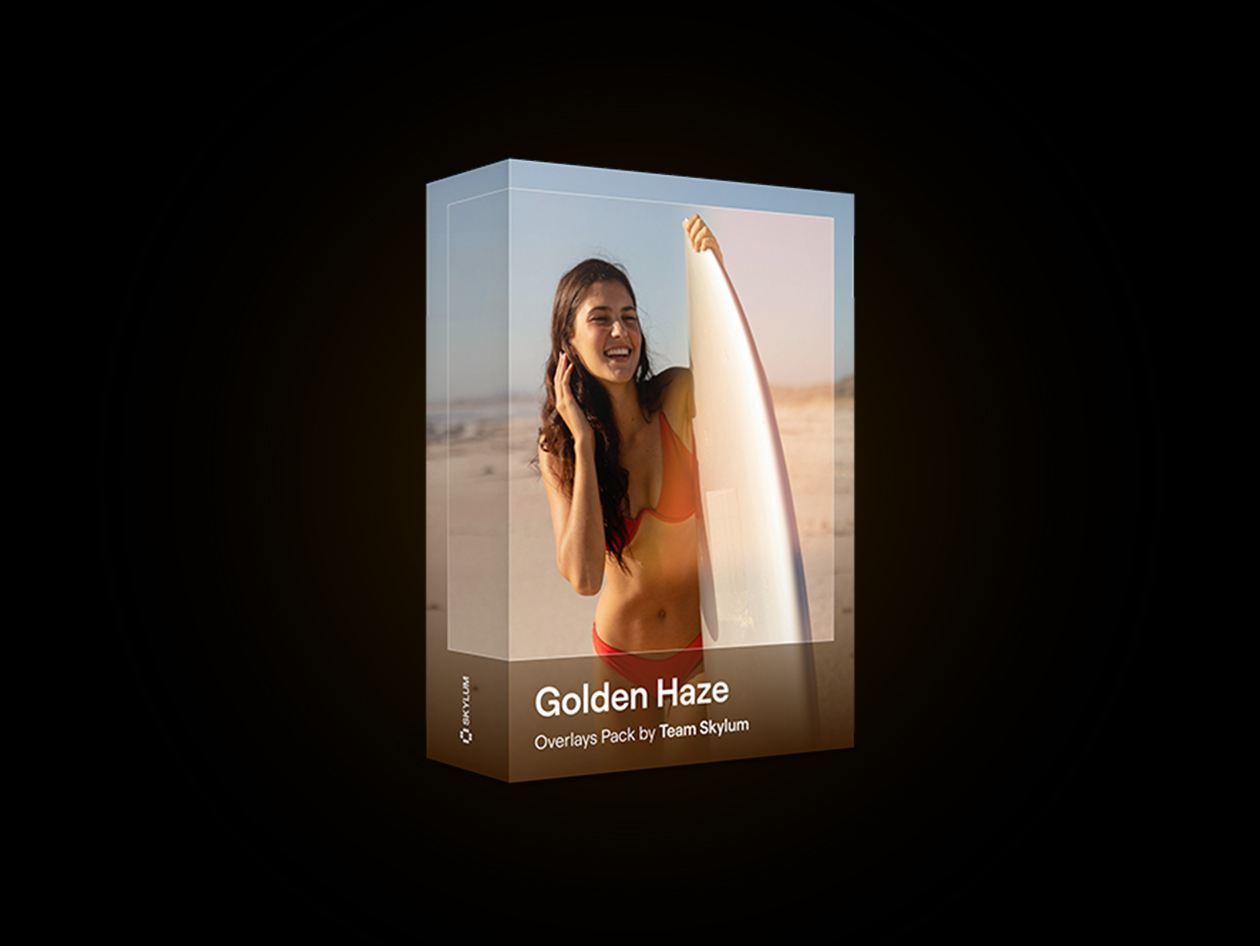
KEY FEATURES
Transform Photos With Dreamy Summer Light and Sunlit Glow
Bring the warmth and beauty of endless summer into your photos with this stunning collection of 10 professionally crafted overlays. Designed to recreate the soft glow, airy brightness, and dreamy atmosphere of sun-filled days, these effects instantly transform ordinary images into radiant, cinematic scenes. From delicate lens flares and glowing sun haze to floating dust particles and warm golden gradients, every overlay adds natural depth, light, and emotion to your edits.
Perfect for lifestyle, travel, outdoor, and portrait photography, these overlays help create that magical midday sunlight effect often seen in editorial and social media imagery. They work especially well with backlit shots, bright environments, and photos featuring white or green tones, enhancing the natural highlights without overpowering the image. Whether you’re aiming for a soft romantic mood or a vibrant summer aesthetic, these overlays make it easy to achieve professional-looking results in just a few clicks.
Instantly Elevate Outdoor Photography
- Dreamy Summer Glow: Adds soft golden light and airy warmth for a bright, sun-kissed atmosphere.
- Realistic Lens Flares & Haze: Enhances photos with natural-looking sun flares, light leaks, and glowing haze effects.
- Perfect for Portraits & Travel Shots: Designed to elevate lifestyle, outdoor, and vacation photography with cinematic warmth.
- Works Beautifully on Backlit Images: Creates stunning depth and mood in photos with strong sunlight or bright backgrounds.
- Easy Drag-and-Drop Overlays: Compatible with Luminar Neo and Photoshop for fast, effortless photo enhancement.
PRODUCT SPECS
- Compatible with Luminar Neo (current version 1.27)
- Requires Luminar Neo installed on Windows 10 v1909 or higher (64-bit) or macOS 12.0 or higher.
- Overlays are used inside Luminar Neo via the Layers panel.
Important Details
- License: 1 User
- Access options: Desktop only
- Redemption deadline: Redeem your code within 30 days of purchase
- Length of Access: Lifetime
- Updates included: Items remain accessible via your link
- Available for new & existing users
- Installation Method: Digital add-on installed through Luminar Neo Marketplace
- Restrictions: Designed for use inside Luminar Neo
- Refund Policy: 30-Day Money-Back Guarantee
- Have questions on how digital purchases work? Learn more here
- Learn more about our Lifetime deals here
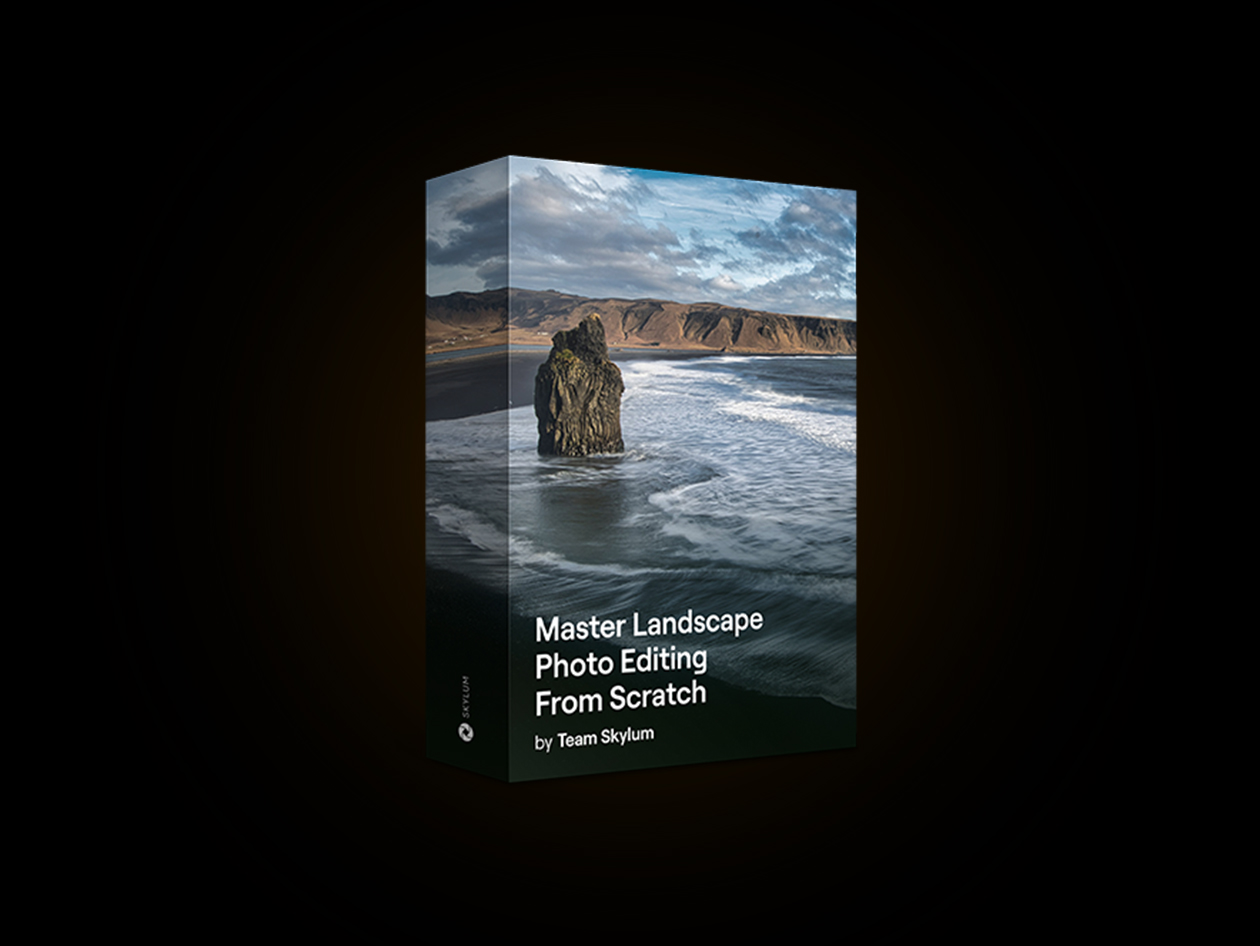
KEY FEATURES
Transform Ordinary Landscapes Into Extraordinary Works of Art
Take your landscape photography skills to the next level with Master Landscape Photo Editing From Scratch, a comprehensive online course from Skylum led by photographer and educator Vanelli. Featuring 20 in-depth lessons and nearly three hours of video content, the course guides users through the complete landscape editing workflow using Luminar Neo’s powerful AI-driven tools. Learn essential techniques such as color balancing, sky enhancement, atmospheric effects, creative lighting, and panoramic image editing while avoiding common mistakes that can weaken your final results. The program also includes 35 practice photos, allowing you to apply professional editing methods through hands-on exercises and real-world examples. Designed for both beginners and experienced photographers, it helps develop technical editing skills, artistic vision, and a deeper understanding of landscape photography. By the end of the course, you’ll be equipped to transform ordinary outdoor images into stunning, professional-quality landscapes with confidence and creativity.
Unlock Powerful AI Editing Techniques
- 20 Step-by-Step Video Lessons: Follow a structured learning path covering the complete landscape photo editing workflow.
- Nearly 3 Hours of Expert Training: Learn professional techniques and best practices from experienced photographer Vanelli.
- Hands-On Editing Exercises: Practice with 35 included photos to reinforce skills and apply lessons in real-world scenarios.
- Master Luminar Neo AI Tools: Discover how to use AI-powered features for sky replacement, color enhancement, lighting adjustments, and more.
- Panorama and Creative Effects Editing: Learn advanced techniques for creating stunning panoramas, atmospheric effects, and dramatic landscape images.
What You’ll Learn
- Types of landscape photos.
- Typical landscape photo mistakes.
- How to start working with Luminar Neo.
- How to upload photos, file format & recommendations.
- Lumina Neo presets.
- Enhancing basic photo editing settings.
- Using essentials landscape tools.
- Balance your images.
- Work with skies.
- Add atmospheric effects.
- Add a new light source to your photo.
- Give your photo an aged look.
- Create a mystical or dramatic landscape.
- How to not overdo contrast.
- Harmonize your colors.
- Control the viewer’s eye.
- Look for virtual distractions.
- Go beyond the frame.
- Practice & course recap.
PRODUCT SPECS
System Requirement
- Any latest modern browser
Important Details
- License: 1 User
- Access options: Desktop only
- Redemption deadline: Redeem your code within 30 days of purchase
- Length of Access: Lifetime
- Updates included: Items remain accessible via your link
- Available for new & existing users
- Restrictions: Course access is tied to the Skylum Account. A Luminar Neo license is recommended for following along with the editing lessons but is not included with the course alone.
- Refund Policy: 30-Day Money-Back Guarantee
- Have questions on how digital purchases work? Learn more here
- Learn more about our Lifetime deals here
