Understanding the Fan’s Operating Modes
1. Overview of Each Function
- Standard Mode: This is the default setting, allowing you to customize the fan speed and operation according to your preferences.

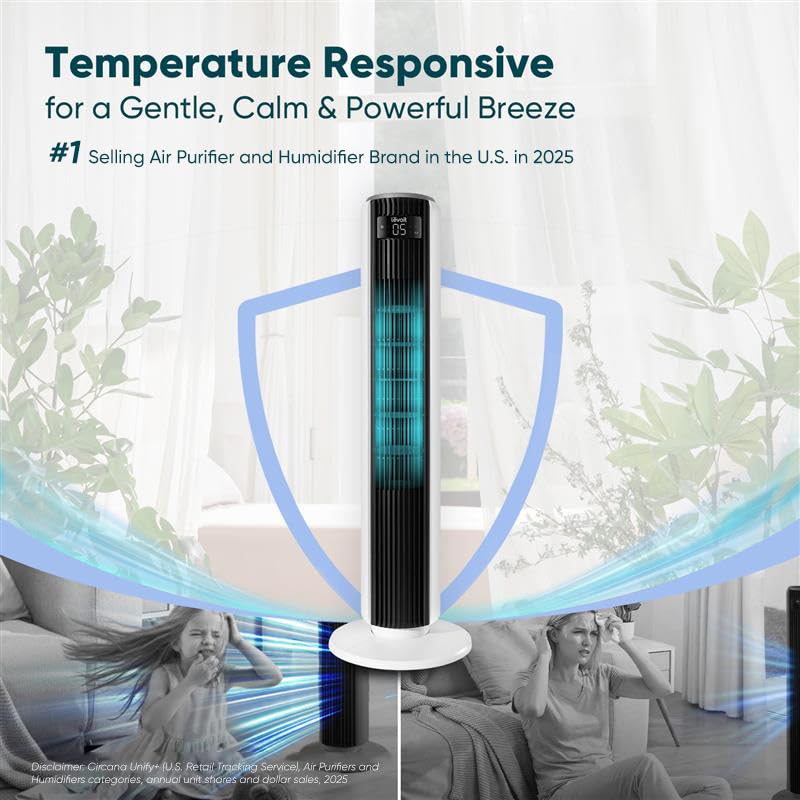
- Automatic Mode: Equipped with an integrated temperature sensor, this mode adjusts the fan speed dynamically based on the ambient room temperature for optimal comfort.
- Turbo Mode: Designed for rapid cooling and enhanced air circulation, Turbo Mode initiates at maximum speed with oscillation enabled. As the room cools down, the fan automatically reduces its speed in response to temperature changes.
- Enhanced Sleep Mode: This mode minimizes disturbances by turning off the display and sound after 5 seconds. Initially, the fan remains stationary for the first hour, operating at the speed you set. After one hour, oscillation begins and the speed gradually decreases to prevent excessive cooling, then adjusts automatically based on room temperature to ensure a restful night.
2. Common Issues and Solutions
- Unexpected Oscillation: If the fan starts oscillating on its own, it is likely operating in Enhanced Sleep Mode, where oscillation automatically begins after one hour.
- Reduced Airflow After Cleaning: Ensure that when reinstalling the wind wheel, the screws align with the flat surface of the motor shaft rather than the curved side. Misalignment can significantly decrease airflow efficiency.
- Fan Stops Abruptly: Check if a timer was accidentally activated. Resetting or disabling the timer often resolves this issue.
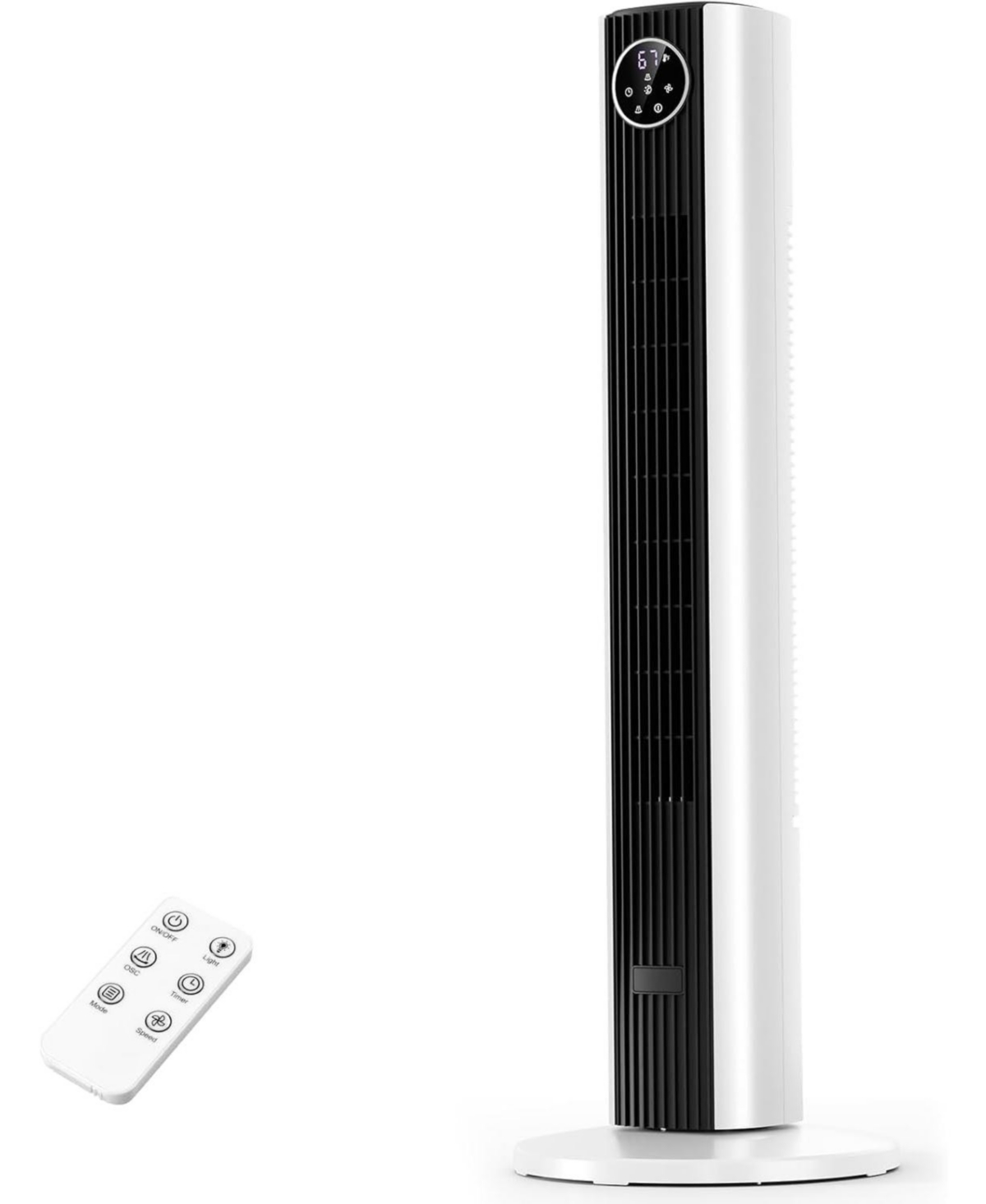
- Unresponsive Control Panel: When the fan is in Enhanced Sleep Mode or the display is manually turned off, the control panel enters a semi-sleep state to avoid accidental inputs. To adjust settings, press the panel twice: the first press wakes it, and the second allows you to change settings.
Why Choose This Tower Fan Over Traditional Models?
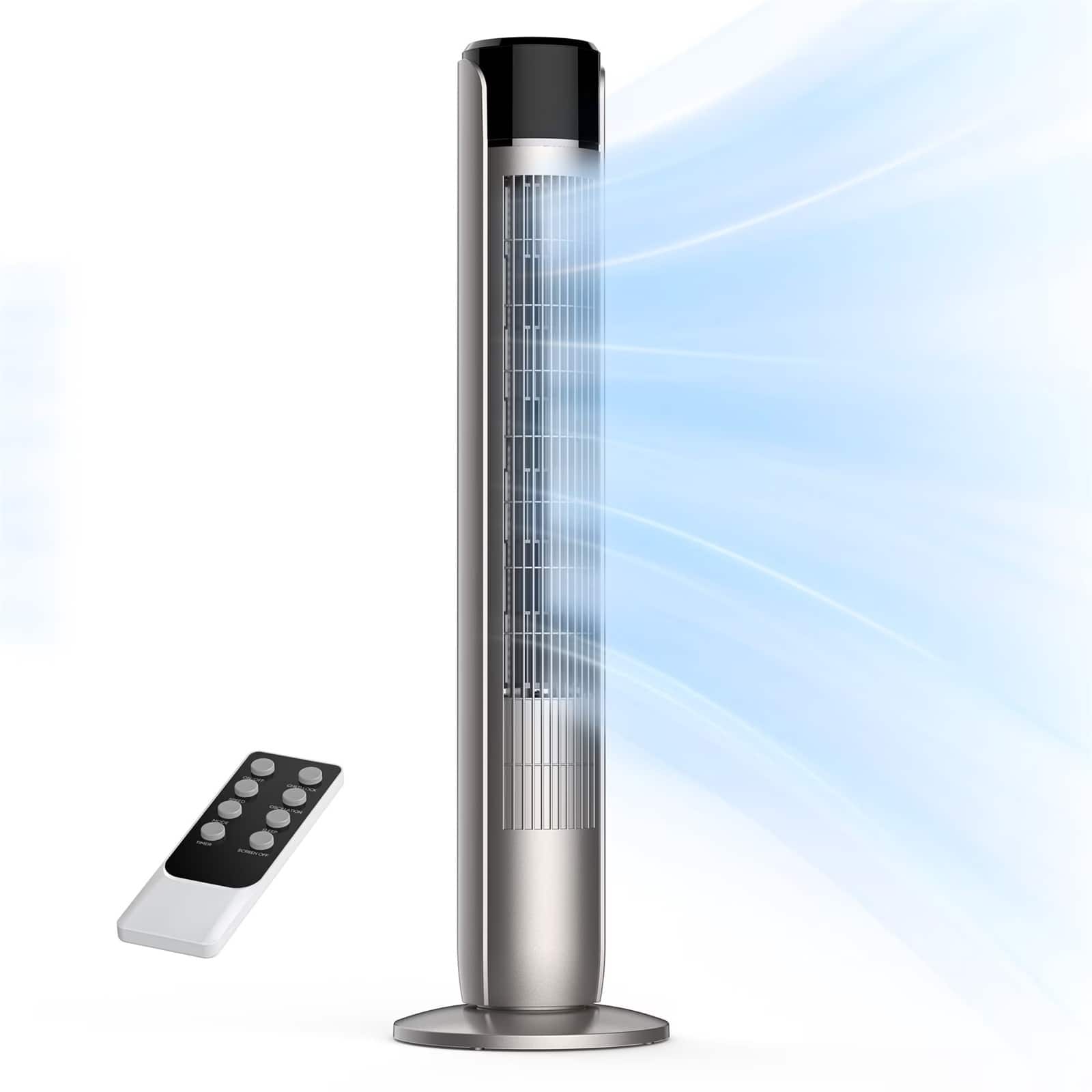
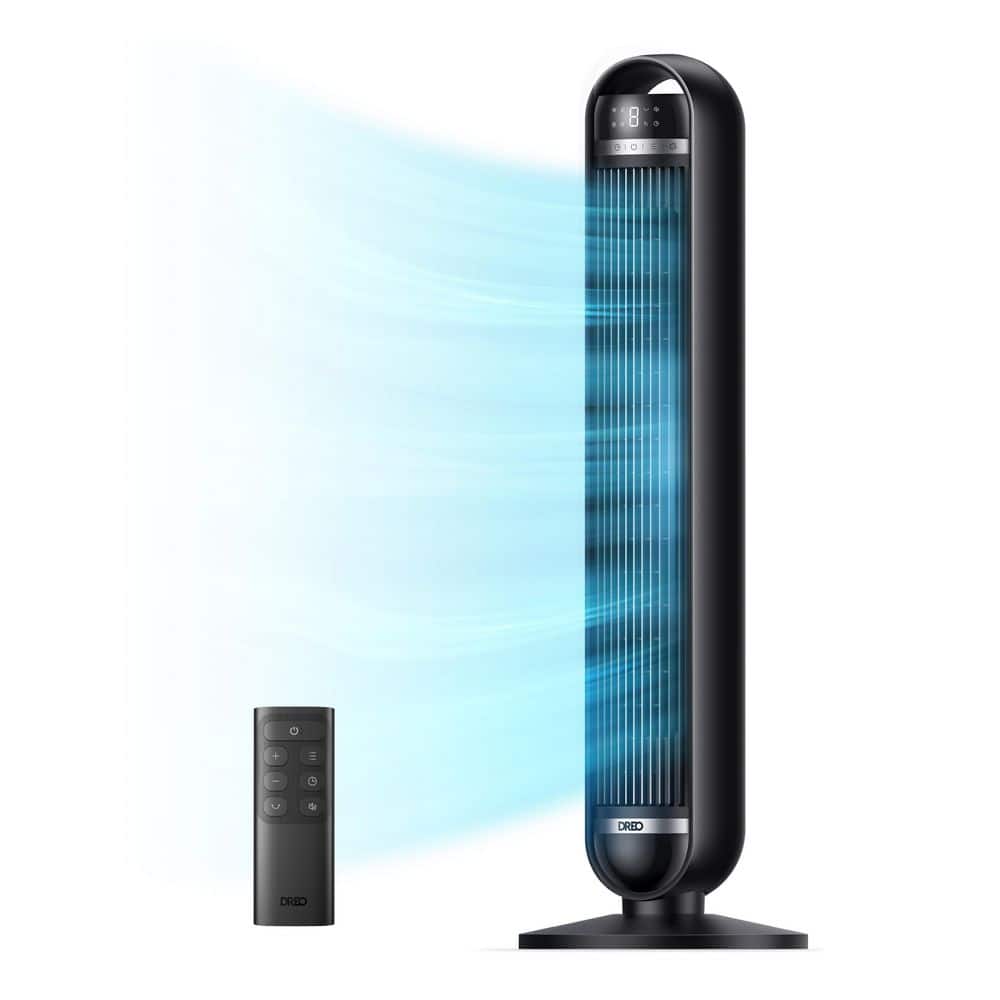
Say farewell to conventional fans with our cutting-edge airflow technology. Featuring a curved air intake combined with a multi-blade design, this fan produces a gentle, natural breeze reminiscent of outdoor winds, enhancing your indoor comfort.
Powerful and Wide-Ranging Airflow
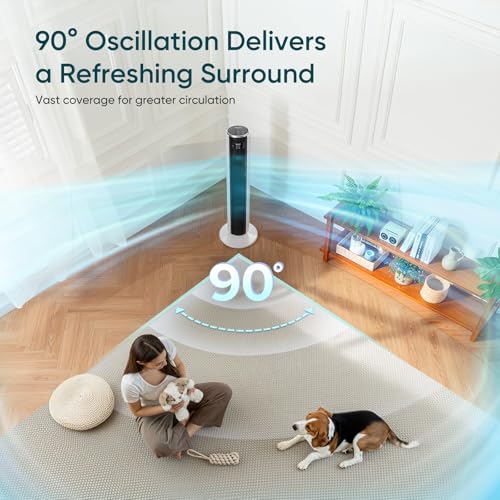
Delivering an impressive airflow of 1044 cubic feet per minute (CFM) and wind speeds reaching 25 feet per second, this fan covers a broad area with a 90-degree oscillation. It’s perfect for cooling large rooms, offices, or open-plan living spaces.
Smart Temperature-Responsive Comfort
Thanks to its advanced temperature sensors, the fan automatically modulates airflow to maintain an ideal environment. This intelligent adjustment prevents overheating or excessive cooling, ensuring consistent comfort throughout the day and night.
Ultra-Quiet Operation and Convenient Timer
Operating at a whisper-quiet 28 decibels, this fan is ideal for sleeping, working, or relaxing without noise distractions. The built-in 12-hour timer lets you schedule operation for uninterrupted peace and energy savings.
Customizable Settings for Personalized Cooling
With four distinct modes-Standard, Turbo, Enhanced Sleep, and Automatic-and five adjustable speed levels, you can tailor the airflow to your exact needs, whether you want a gentle breeze or powerful cooling.